Pause
A short pause before chosen apps open. Enough to turn an automatic tap into a deliberate choice.
Download APK from GitHub Source code on GitHub
Free & open-source · no account · no tracking · no subscription
What it does
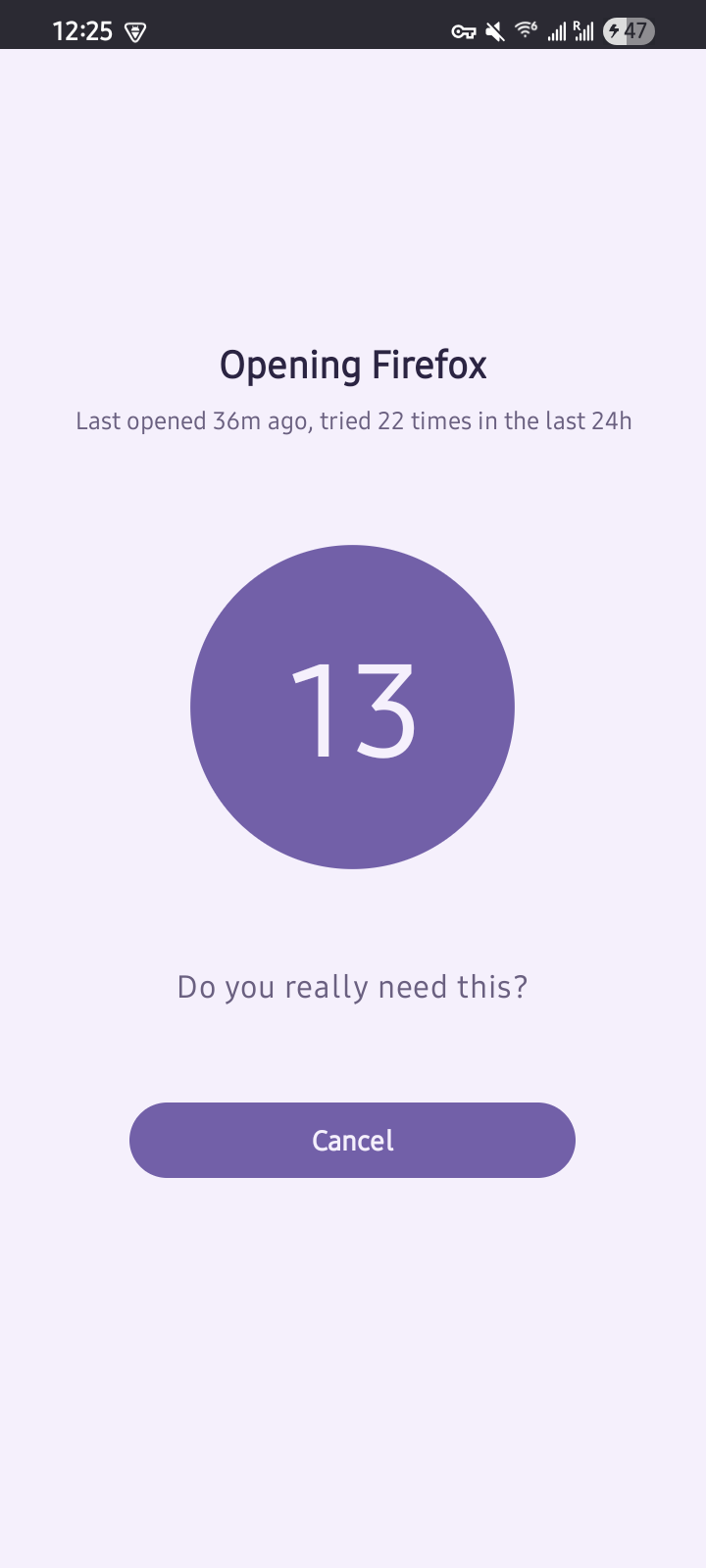
When you open an app you've chosen, Pause covers the screen with a short countdown before you can continue, so you open on purpose, or back out. It's friction, not a hard block.
Screenshots tap to enlarge
Features
Timed pause
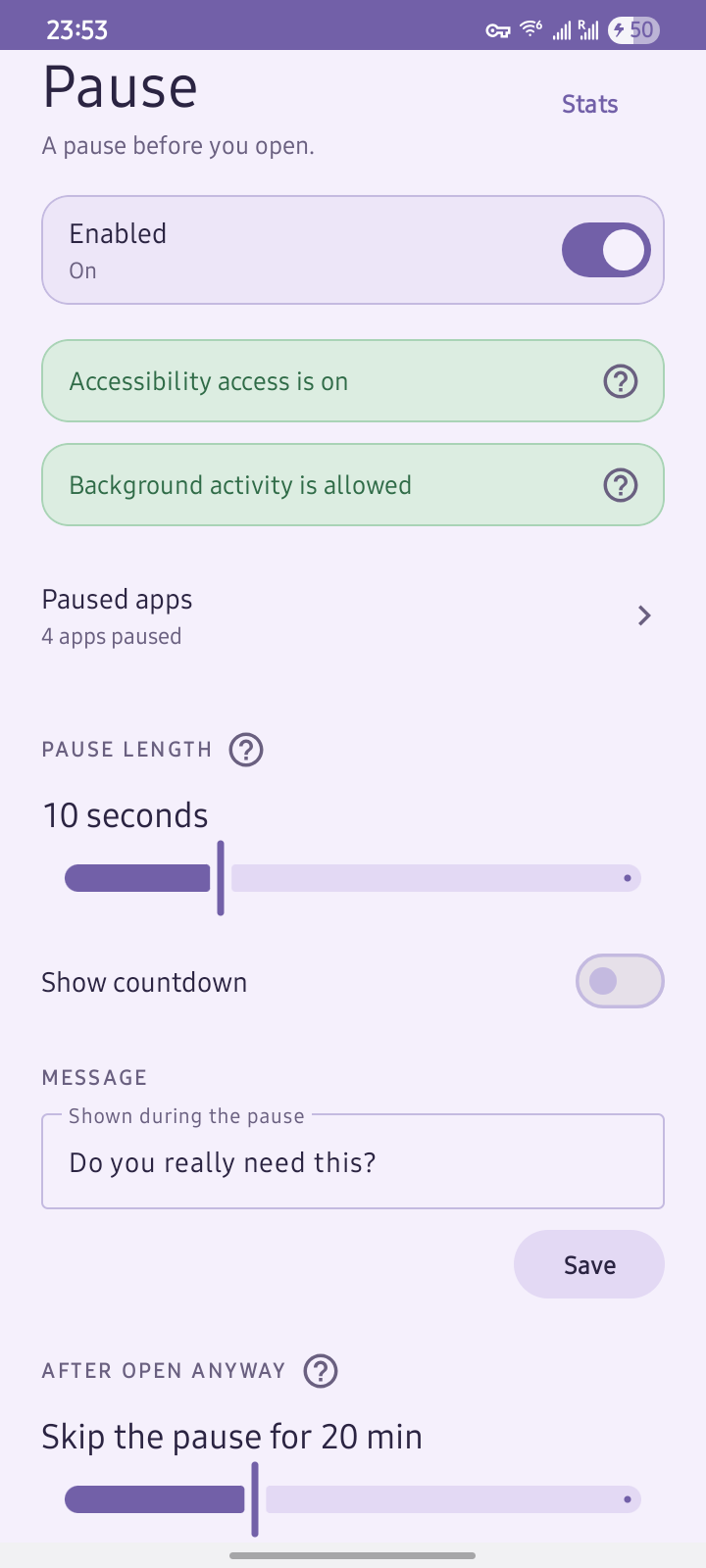
A short countdown before the app opens. You choose the length.
Per app
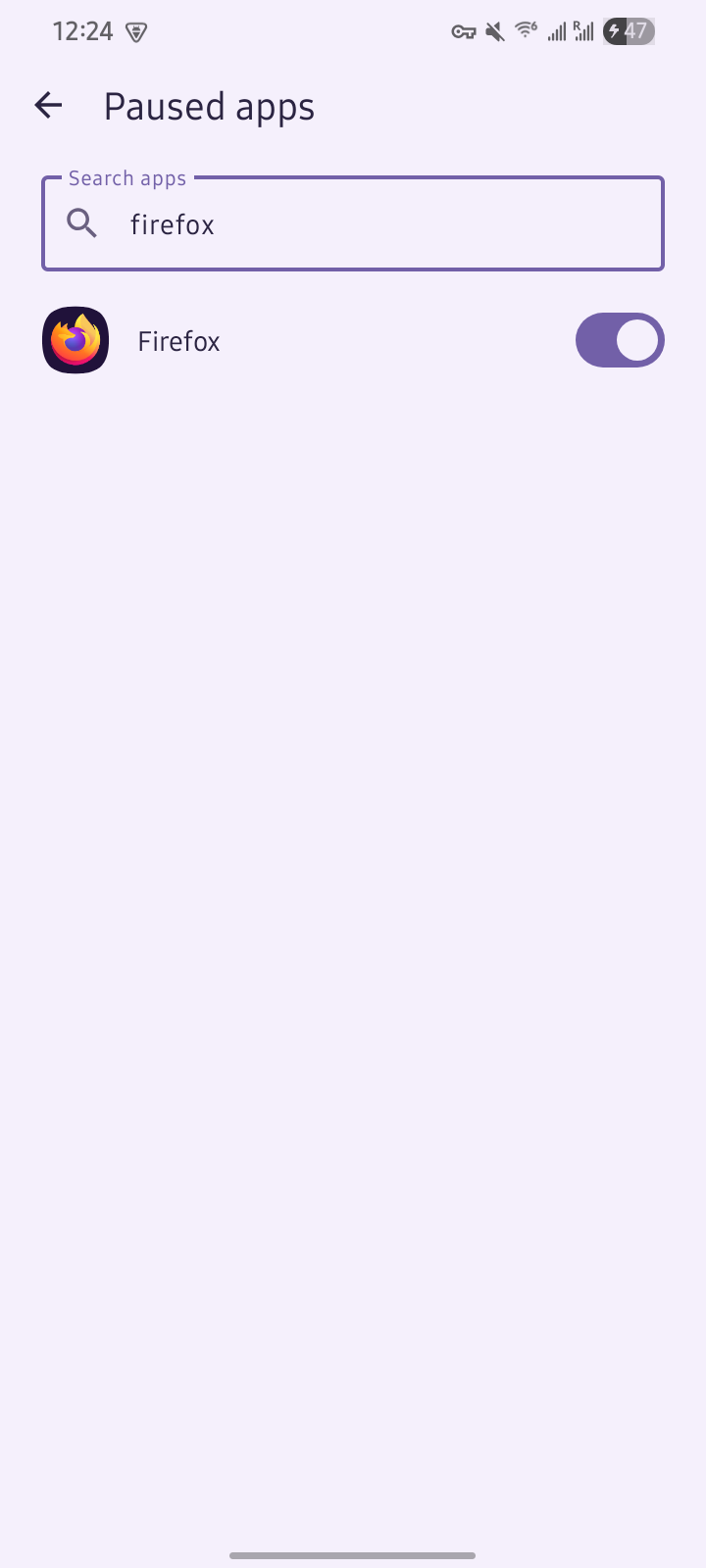
Pick which apps get a pause. Everything else opens normally.
Open count
Shows how many times you've opened that app in the last 24 hours.
Adjustable
Set the pause length, a custom message, and whether the countdown shows.
Local stats
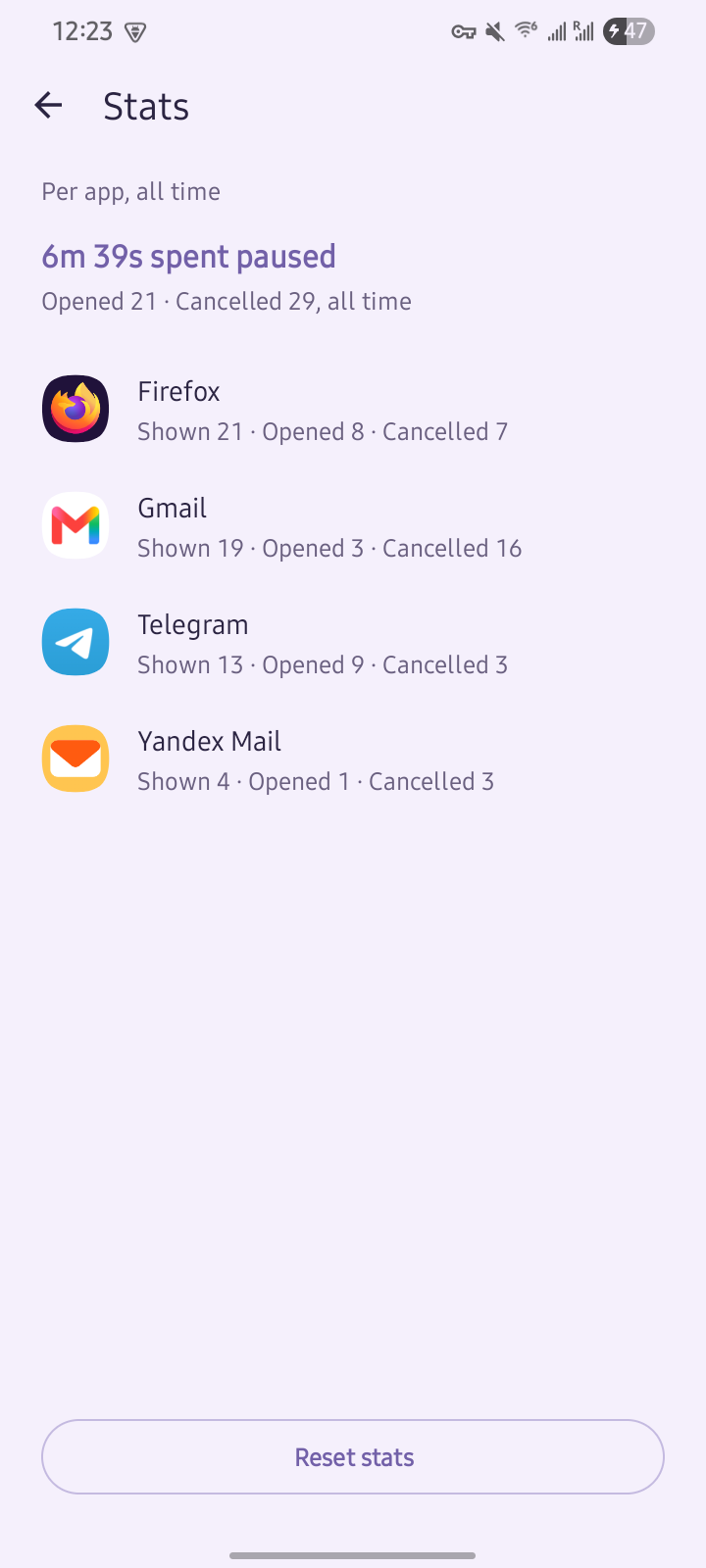
Per-app pauses, opens, and cancels, plus total time paused.
No network access
Stays on your phone. No account, no analytics. The app can't reach the internet.
Heads up: it needs accessibility access
Pause needs Android's Accessibility Service to detect when a chosen app opens.
Does your phone already do this?
One built-in feature does the same job: Pause Point, a delay before selected apps open. It's new in Android 17 and rolling out on some Pixel and Samsung phones. If you already have it, use it: it's better integrated and needs no extra app.
Android's Digital Wellbeing is a different thing: its app timers and Focus mode set daily limits or block on a schedule, not a pause each time you reach for an app.
Pause is for every phone without that built-in pause, which today is most of them:
No Pause Point yet
Android 16 and earlier, or a newer phone still waiting for the rollout.
Custom ROMs
AOSP ROMs like LineageOS ship without Google's Digital Wellbeing.
Non-Google devices
Some budget or regional phones omit Google's apps, including Digital Wellbeing.
Other apps
Other apps add similar friction, but many bundle extra features (habit trackers, leaderboards, browser filters, parental controls) or put the core behind a subscription. Pause does one thing: a timed pause before a chosen app opens. It's free and open-source, with no account and no payment.
Set up
- Install from F-Droid (or download the APK from GitHub and allow installs from unknown sources if asked).
- Open Pause and turn on accessibility access.
- Set your pause length and message, then choose the apps to pause.